
Introduction
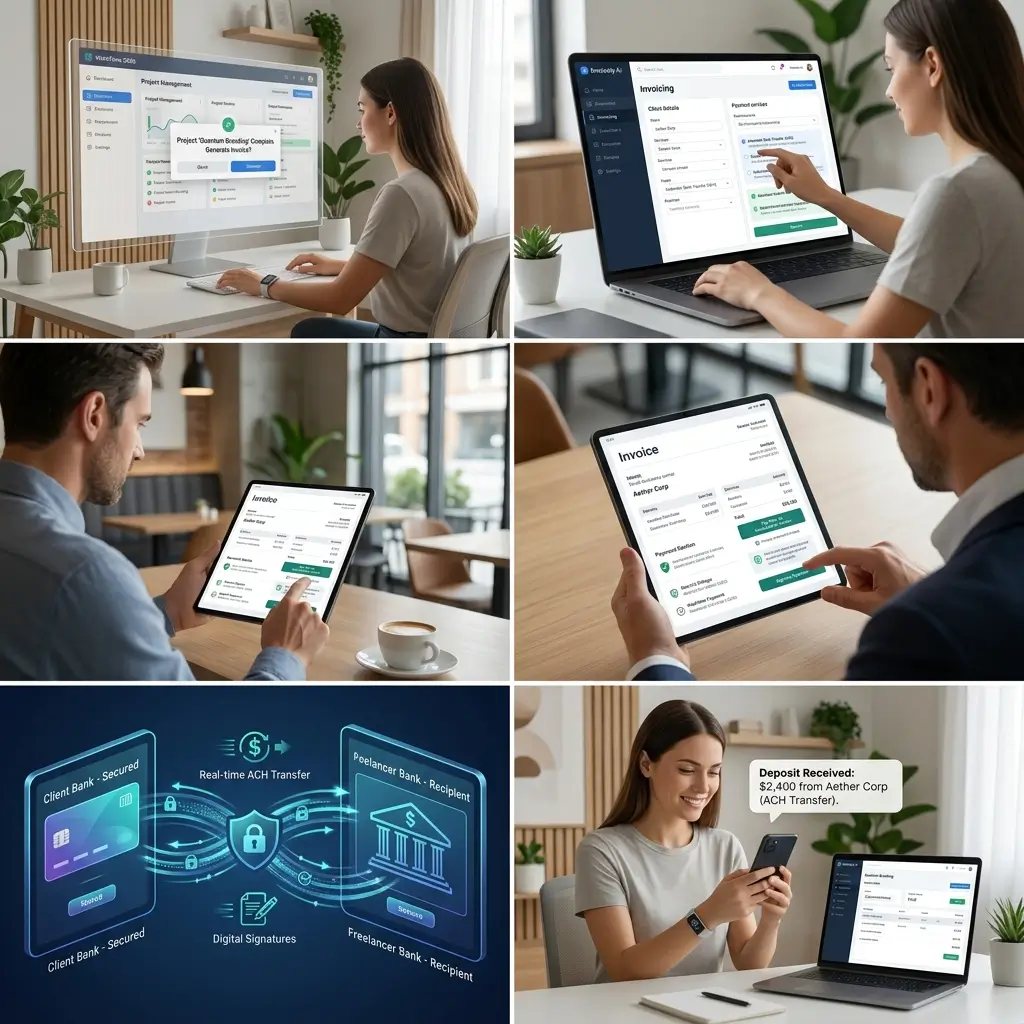
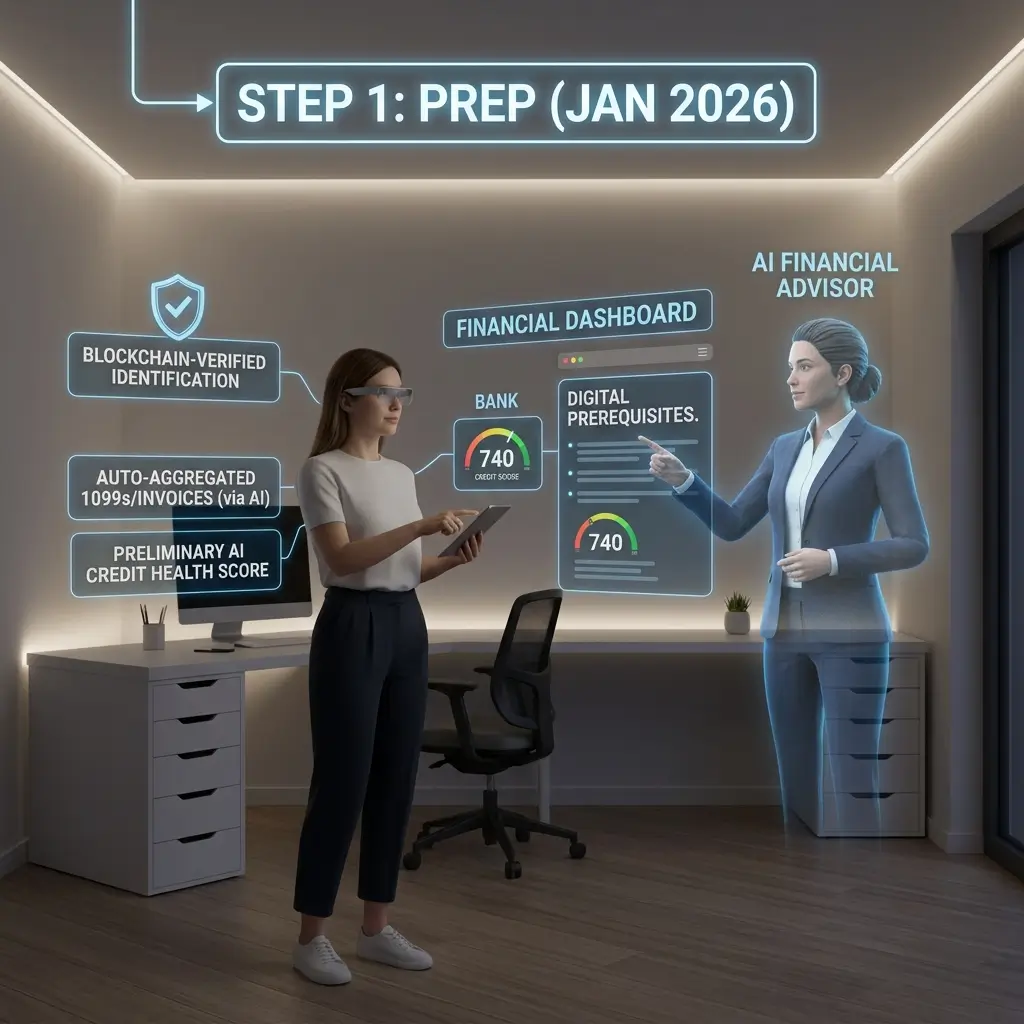
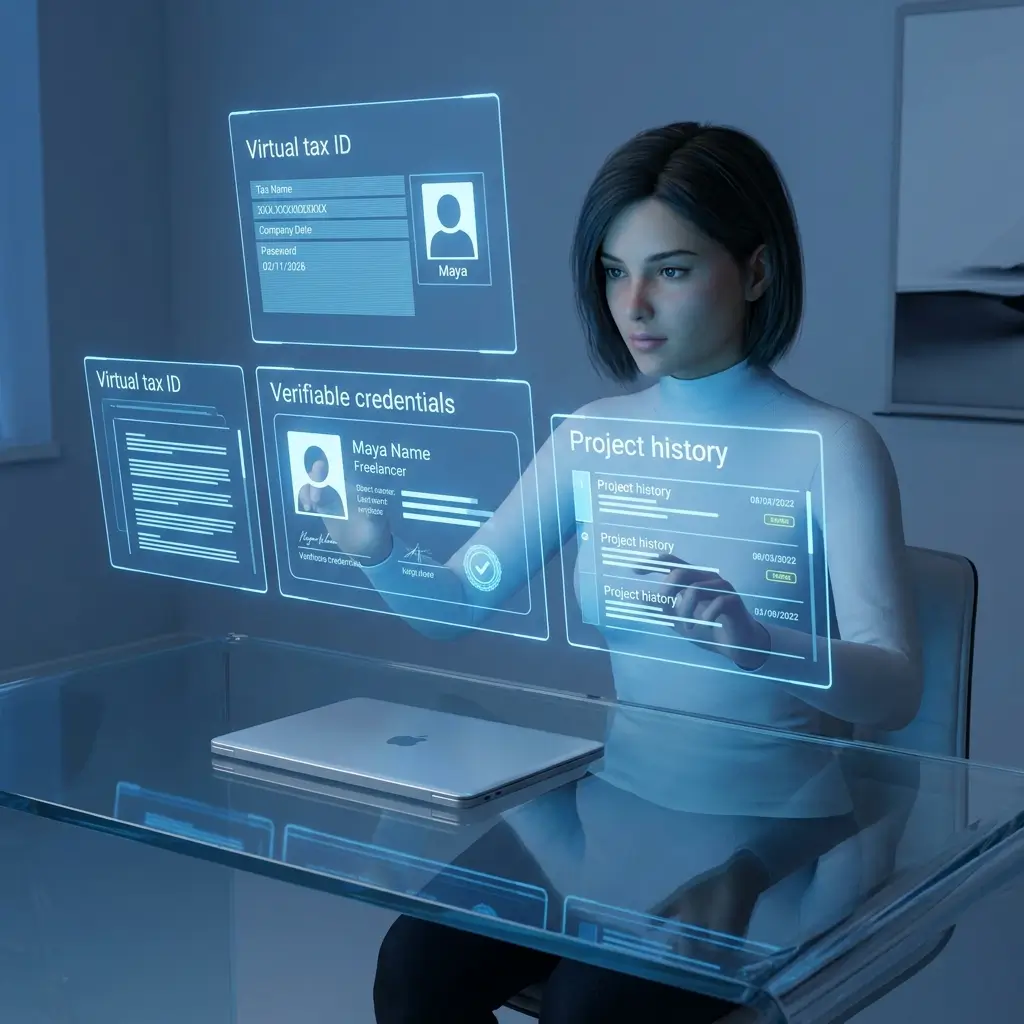
Freelancing has transformed the modern workforce. Millions of professionals now earn income online through remote work, international clients, digital platforms, and cloud-based financial systems. From receiving payments and managing invoices to handling taxes and business savings, nearly every part of freelance finance now depends on online banking.
While this digital freedom offers convenience and flexibility, it also creates serious cybersecurity risks.
Freelancers are increasingly targeted by:
- Phishing scams
- Payment fraud
- Identity theft
- Account takeovers
- Fake invoices
- Malware attacks
- Banking credential theft
Unlike large corporations, freelancers often work independently without dedicated IT departments or cybersecurity teams. A single hacked account can freeze payments, compromise sensitive client data, disrupt cash flow, and damage professional credibility.
In 2026, protecting your freelance finances is no longer optional. Secure online banking has become a critical part of running a successful freelance business.
This guide explains how freelancers can strengthen their financial security, avoid online banking threats, and protect both income and client trust using practical cybersecurity strategies.
Why Online Banking Security Matters for Freelancers
Freelancers handle financial operations differently from traditional employees.
Most freelancers manage:
- Client payments
- International transfers
- Tax savings
- Business expenses
- Online invoicing
- Payment processor accounts
- Subscription tools
- Cloud accounting platforms
Because these systems are interconnected, one compromised account can create a chain reaction across your entire financial setup.
For example:
- A hacked email account may reset banking passwords
- A stolen PayPal login can drain client payments
- Malware on a laptop may capture banking credentials
- Fake invoices may redirect payments to scammers
Cybercriminals specifically target freelancers because independent workers often lack advanced security protections.
Freelancers who prioritize cybersecurity reduce financial risks and build stronger long-term business stability.
The Biggest Online Banking Threats Freelancers Face
Before discussing protection strategies, it’s important to understand the most common risks.
Phishing Attacks
Phishing scams trick users into revealing sensitive information.
Scammers often send fake:
- Bank emails
- Invoice notifications
- Payment confirmations
- Tax warnings
- Account verification requests
These messages may look convincing and often imitate legitimate companies.
Account Takeovers
If attackers gain access to your login credentials, they can:
- Transfer funds
- Change passwords
- Lock you out of accounts
- Access saved banking data
Freelancers using weak or reused passwords face higher risks.
Public Wi-Fi Attacks
Using unsecured internet connections in:
- Cafes
- Airports
- Hotels
- Co-working spaces
can expose sensitive financial activity to hackers.
Public Wi-Fi networks are common targets for data interception.
Malware and Spyware
Malicious software can secretly monitor devices and steal:
- Passwords
- Banking credentials
- Financial records
- Client information
Freelancers working on outdated systems are especially vulnerable.
Fake Payment Scams
Fraudsters sometimes send fake payment screenshots or fake bank confirmations to trick freelancers into delivering work before actual payment arrives.
This type of fraud continues growing in freelance marketplaces worldwide.
Step 1: Use Strong and Unique Passwords
Your password is the first line of defense for your financial accounts.
Weak passwords remain one of the biggest cybersecurity mistakes freelancers make.
Why Weak Passwords Are Dangerous
Hackers use automated software to test millions of password combinations quickly.
Common weak passwords include:
- Simple words
- Birthdays
- Phone numbers
- Reused passwords
- Keyboard patterns
If one account gets breached, reused passwords may expose multiple platforms at once.
Best Practices for Secure Passwords
Freelancers should create passwords that are:
- Long
- Unique
- Randomized
- Difficult to guess
Strong passwords usually include:
- Uppercase letters
- Lowercase letters
- Numbers
- Symbols
The longer the password, the harder it becomes to crack.
Use a Password Manager
Remembering dozens of secure passwords manually is unrealistic.
Password managers help by:
- Generating strong passwords
- Storing credentials securely
- Auto-filling login details
- Preventing password reuse
This significantly improves overall online banking security.
Update Passwords Periodically
Important financial accounts should have passwords updated regularly, especially after:
- Security breaches
- Suspicious activity
- Device theft
- Phishing attempts
Frequent updates reduce long-term exposure.
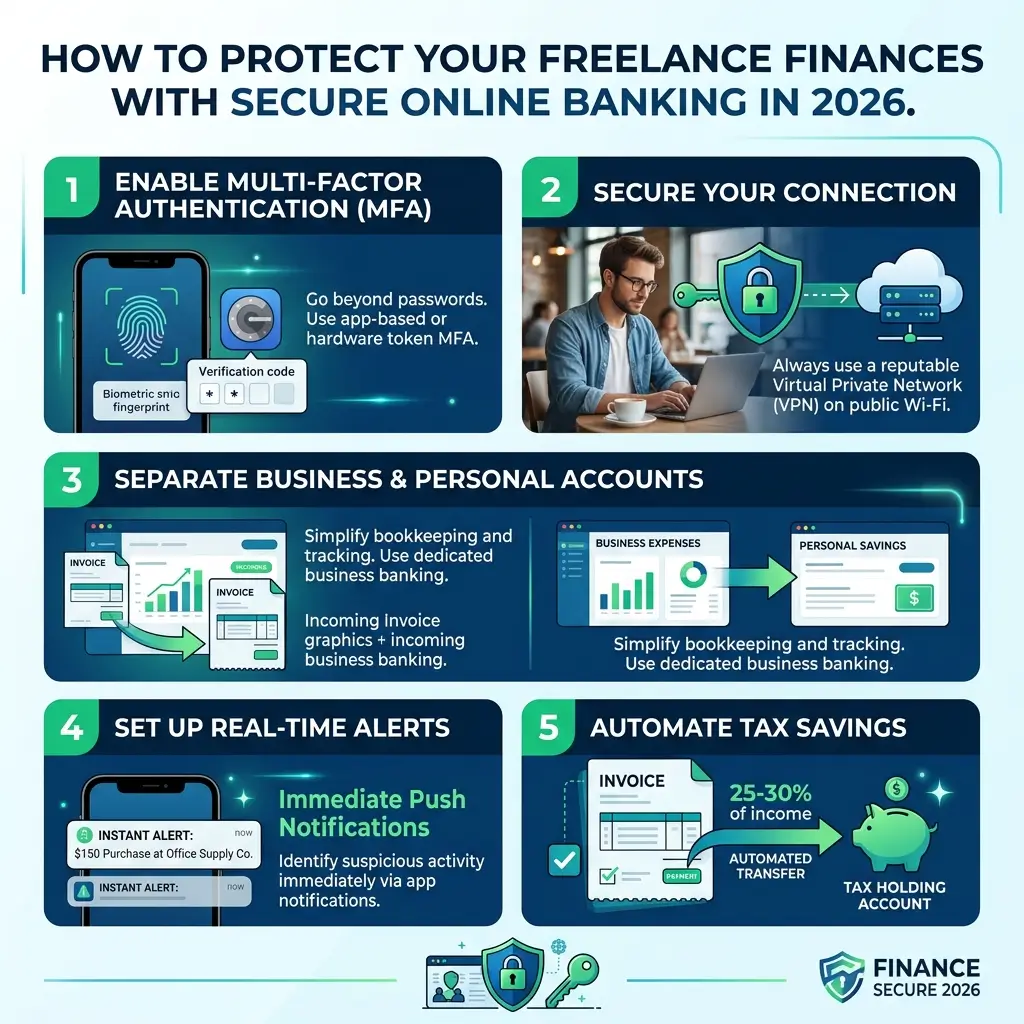
Step 2: Enable Multi-Factor Authentication (MFA)
Multi-factor authentication adds an additional layer of protection beyond passwords.
Even if hackers steal your password, MFA makes account access much harder.
How MFA Works
MFA requires a second verification step, such as:
- SMS codes
- Authentication apps
- Security keys
- Fingerprint verification
Without this second factor, attackers cannot easily access your accounts.
Enable MFA on All Financial Platforms
Freelancers should activate MFA on:
- Online banking accounts
- PayPal
- Stripe
- Wise
- Payoneer
- Email accounts
- Accounting software
- Cloud storage platforms
Your email account is especially important because password reset links usually go there first.
Authentication Apps vs SMS
SMS verification is better than no protection, but authentication apps are usually more secure.
Apps reduce risks related to:
- SIM swapping
- Phone number hijacking
- SMS interception
Freelancers handling large financial transactions should strongly consider app-based authentication.
Step 3: Monitor Transactions Regularly
One of the most effective fraud prevention methods is simple: monitor your accounts consistently.
The faster suspicious activity is detected, the easier it is to stop financial damage.
What Freelancers Should Monitor
Check regularly for:
- Unauthorized transfers
- Unknown subscriptions
- Duplicate charges
- Suspicious login attempts
- Unrecognized withdrawals
- Unexpected payment reversals
Even small suspicious charges may indicate compromised account information.
Enable Real-Time Transaction Alerts
Many banks and payment platforms offer instant alerts for:
- Logins
- Transfers
- Card purchases
- Password changes
These notifications allow freelancers to react quickly if suspicious activity occurs.
Review Financial Statements Monthly
Freelancers should schedule monthly financial reviews to identify:
- Hidden charges
- Security issues
- Subscription fraud
- Irregular account activity
Routine monitoring helps maintain long-term financial control.
Step 4: Use Secure Devices and Networks
Your online banking security is only as strong as the device you use.
Even the best banking platform cannot protect users operating from compromised systems.
Avoid Public Wi-Fi for Banking
Public networks are risky because attackers may intercept sensitive data.
Avoid accessing banking platforms on:
- Airport Wi-Fi
- Hotel internet
- Cafe networks
- Shared co-working connections
If absolutely necessary, use a trusted VPN for encrypted browsing.
Keep Devices Updated
Security updates fix vulnerabilities hackers exploit.
Always update:
- Operating systems
- Browsers
- Banking apps
- Antivirus software
- Security patches
Outdated software significantly increases cybersecurity risks.
Use Antivirus and Anti-Malware Protection
Reliable security software helps detect:
- Viruses
- Spyware
- Keyloggers
- Malware
Freelancers working online daily should treat cybersecurity software as essential business infrastructure.
Encrypt Your Devices
Encryption protects sensitive financial information if devices are lost or stolen.
Enable encryption on:
- Laptops
- Smartphones
- External drives
This prevents unauthorized access to financial records.
Step 5: Watch for Phishing and Financial Scams
Phishing remains one of the most common online banking threats in 2026.
Scammers constantly improve fake emails and fraudulent websites to look convincing.
Common Freelance Phishing Scams
Freelancers often receive fake:
- Payment confirmations
- Invoice notifications
- Tax refund messages
- Bank security alerts
- Account suspension warnings
These scams aim to steal credentials or financial information.
How to Identify Fake Emails
Warning signs include:
- Urgent threats
- Poor grammar
- Strange email addresses
- Suspicious attachments
- Fake login pages
- Requests for passwords
Legitimate banks rarely ask users to verify passwords through email links.
Always Verify URLs Carefully
Before entering login information:
- Check domain spelling
- Confirm HTTPS security
- Avoid shortened links
- Visit websites manually when unsure
Fake banking pages may look nearly identical to real ones.
Never Click Unknown Payment Links
Freelancers frequently receive invoices and payment requests.
Always verify suspicious payment links independently before opening them.
Cybercriminals often disguise malware as invoices or payment confirmations.
Best Practices for Secure Freelance Banking
Strong cybersecurity habits reduce long-term financial risks dramatically.
Here are the most effective practices freelancers should follow.
Set Banking and Transaction Alerts
Real-time alerts help identify fraud quickly.
Enable notifications for:
- Withdrawals
- Purchases
- Logins
- Account changes
- International transactions
Immediate awareness improves response speed.
Separate Personal and Business Finances
Using separate accounts helps:
- Improve financial organization
- Limit fraud exposure
- Protect savings
- Simplify monitoring
Dedicated freelance banking structures reduce confusion and improve security management.
Back Up Financial Records Securely
Freelancers should maintain secure backups of:
- Invoices
- Tax documents
- Receipts
- Financial statements
Use encrypted cloud storage or secure offline backups.
Review Connected Apps Regularly
Many freelancers connect third-party tools to banking systems.
Review permissions for:
- Accounting software
- Budgeting apps
- Payment integrations
- Automation tools
Remove access for unused or outdated applications.
Limit Account Access Permissions
Freelancers working with assistants or contractors should restrict unnecessary access to financial systems.
Use role-based permissions whenever possible.
Not everyone needs full account access.
Common Online Banking Mistakes Freelancers Must Avoid
Even experienced freelancers sometimes make avoidable cybersecurity mistakes.
Reusing Passwords Across Platforms
This is one of the biggest online security risks.
If one platform gets hacked, attackers may attempt the same password across multiple accounts.
Always use unique passwords.
Ignoring Suspicious Activity
Small warning signs often appear before major financial fraud occurs.
Never ignore:
- Unexpected login notifications
- Unknown charges
- Password reset emails
- Strange account activity
Early action limits damage significantly.
Saving Credentials Insecurely
Avoid storing passwords in:
- Notes apps
- Plain text files
- Browsers without protection
- Shared documents
Use secure password management systems instead.
Clicking Unknown Links
Freelancers often receive large volumes of emails and invoices.
Rushing through messages increases phishing risks.
Always verify links before entering sensitive information.
Advanced Security Strategies for Freelancers
Experienced freelancers often use additional cybersecurity protections.
Use Dedicated Banking Devices
Some freelancers maintain separate devices exclusively for:
- Online banking
- Tax management
- Financial administration
This reduces exposure to malware from everyday browsing.
Freeze Unused Cards
Many banking apps allow temporary card freezing.
Freeze cards when:
- Traveling
- Not using them
- Suspecting suspicious activity
This adds another security layer.
Create Emergency Financial Recovery Plans
Freelancers should prepare for worst-case scenarios.
Maintain:
- Backup payment methods
- Emergency savings
- Alternative banking access
- Secure recovery information
Financial continuity planning is critical for online businesses.
Monitor Credit and Identity Activity
Identity theft can impact freelance finances severely.
Regularly review:
- Credit reports
- Account registrations
- Financial activity
Early detection helps reduce long-term damage.
The Long-Term Benefits of Secure Online Banking
Cybersecurity is not only about preventing theft.
Strong online banking security also improves:
- Client trust
- Business credibility
- Financial stability
- Operational reliability
- Long-term business growth
Clients increasingly value freelancers who handle sensitive financial information professionally.
Strong security habits demonstrate responsibility and professionalism.
Final Thoughts
Freelancers rely heavily on digital banking systems to manage income, payments, savings, and business operations. While online finance creates flexibility and convenience, it also introduces serious cybersecurity risks.
In 2026, protecting freelance finances requires more than basic awareness.
Freelancers should actively secure:
- Banking accounts
- Payment processors
- Devices
- Networks
- Email systems
- Financial records
Simple habits like using strong passwords, enabling multi-factor authentication, monitoring transactions, avoiding phishing scams, and securing devices can dramatically reduce financial risks.
Cybersecurity is no longer just a technical issue.
For freelancers, it is a business survival skill.
The freelancers who protect their financial systems effectively are better positioned to maintain stable income, safeguard client trust, and build long-term success in the digital economy.